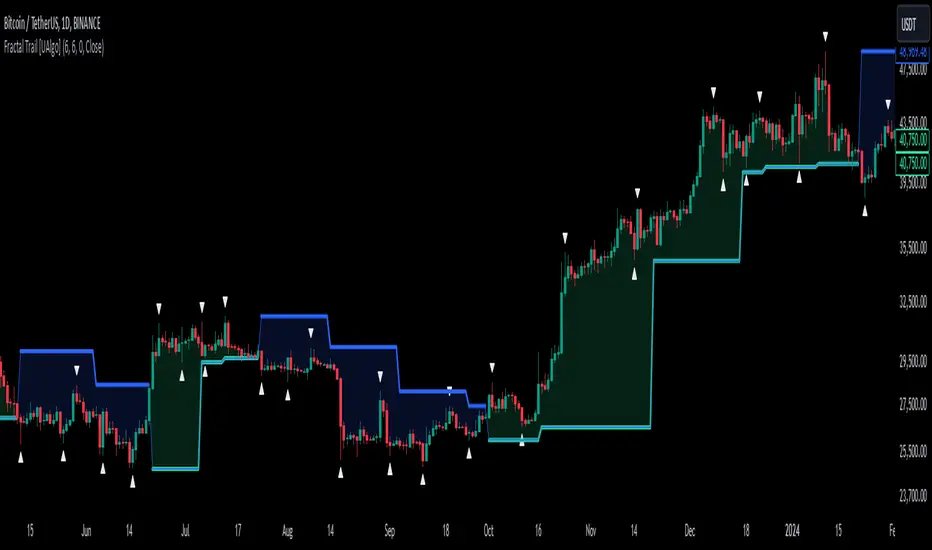
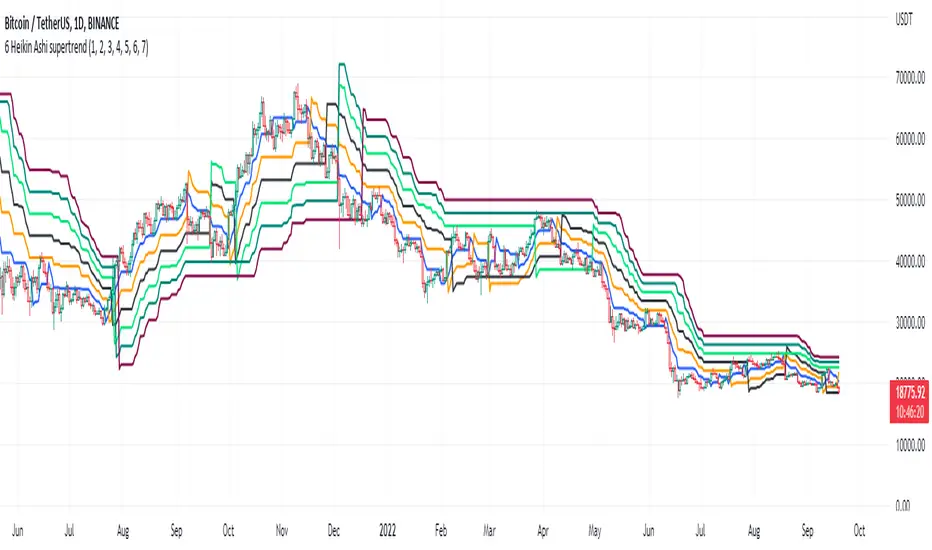
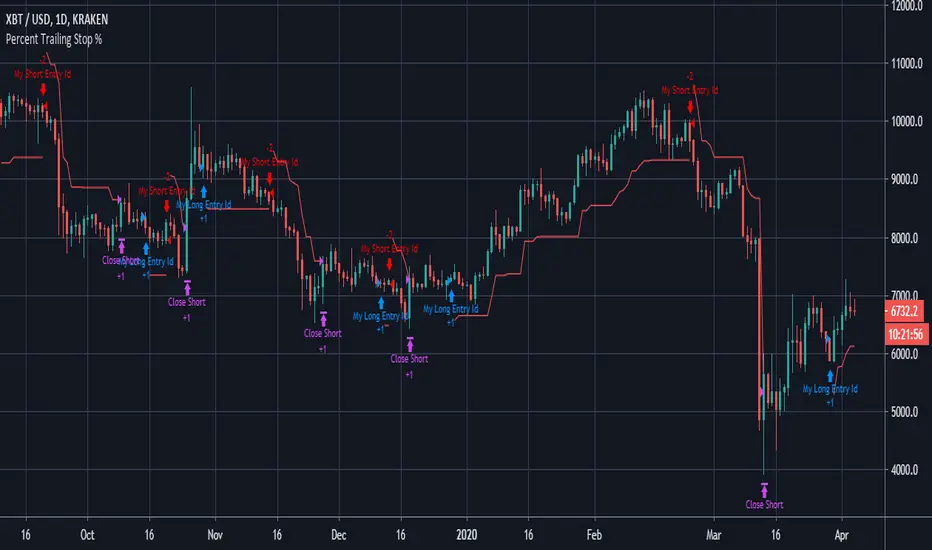
Trailing Stop Quality [AGPro Series]Trailing Stop Quality
🧠 Core Idea
Is the current trailing reference defending the move cleanly, or is it creating noise that deserves a risk review?
📌 Overview / What it does
Trailing Stop Quality is a trade-management planner built for traders who want more context around active trailing stops, defense rails, and risk-shift conditions.
The script compares a swing defense rail with a volatility defense rail, evaluates trend-defense quality, measures pullback depth, checks volatility expansion, and converts the result into a 0-100 trailing stop quality score.
It produces trail rails, a centered risk-shift zone, a target-room guide, compact state labels, alerts, and a clean AGPro panel. It does not predict price direction, automate trading, or tell users what to buy or sell.
🎯 Purpose & Design Philosophy
Many trailing stop tools show a stop line, but they do not explain whether the current trail is structurally clean, too close to noise, too loose, or in conflict with another management reference.
This script was built to fill that gap.
It helps traders who already have a move in progress and want to evaluate whether the active trail is still defending the move with enough quality to keep monitoring.
The design philosophy is simple: manage context before reacting to the line.
⚡ Why This Script Is Different
Most tools focus on plotting a trailing stop line, flipping side, or marking stop transitions.
This script does NOT clone a Chandelier Exit flip-zone tool, does not act as a stop-loss optimizer, and does not print direct trade commands.
Instead, it scores the quality of the current trail using swing defense, volatility defense, trend slope, pullback depth, volatility expansion, and rail conflict. The result is a management-readiness layer, not another raw stop signal.
⚙️ Methodology
1. Context Detection
The script reads the active management side automatically or lets the user force long-side or short-side evaluation.
2. Reference Mapping
It maps two trail references: a swing defense rail and a volatility defense rail. The tighter reference becomes the active defense rail.
3. Reaction Evaluation
It scores whether the active trail is balanced, too near, too loose, conflicted, or already broken.
4. Visual Output
It displays the active defense rail, swing rail, volatility rail, risk-shift zone, target guide, compact labels, alerts, and AGPro panel state.
🗺️ How to Read the Chart
Zones = the risk-shift zone shows the gap between the swing defense rail and volatility defense rail. Its centered label summarizes the active conflict or quiet state.
Labels = labels mark TRAIL HOLDS, RISK SHIFT, MONITOR, NOISE, ROOM LIMITED, or DEFENSE LOST contexts.
Colors = green highlights clean defense, pink highlights lost defense, amber highlights risk review, and indigo highlights monitor context.
Panel = the panel summarizes Trail Quality, Stop Distance, Trend Defense, Risk Shift, and Action.
🚦 Signals & States
• TRAIL HOLDS → the active trail is defending cleanly with enough score and no major risk-shift conflict.
• RISK SHIFT → price is close to the active rail or swing and volatility rails disagree enough to deserve review.
• MONITOR → trail quality is acceptable but not strong enough for a clean defense state.
• NOISE → the current trail reference is low quality or too unstable.
• ROOM LIMITED → forward room is limited relative to the active trail risk.
• DEFENSE LOST → price crossed the active defense rail and the current trail context should be reviewed.
🔔 Alerts Logic
Alerts trigger when the script detects a clean trail-hold state, risk-shift state, monitor state, noisy trail state, defense-loss event, or limited target-room condition.
Alerts are attention markers only.
They are not trade instructions and should be interpreted within broader market context.
🧩 Confluence Logic
The strongest context appears when swing defense and volatility defense are aligned, the active trail distance is balanced, trend slope supports the management side, pullback depth is controlled, and volatility is expanding without becoming chaotic.
When those conditions align, the 0-100 trail quality score improves.
📊 When to Use
• During active trend-following management
• After a move has already started and trailing references matter
• When comparing swing-based trail behavior with volatility-based defense
• During pullbacks where the trail may be too close to price
• When evaluating whether a move still has reasonable room before the next structure edge
⚠️ When NOT to Use
• Very low-liquidity symbols with erratic wick behavior
• Extremely noisy chop where no stable management side exists
• Event-driven spikes where volatility changes too quickly
• Charts where the user wants entry signals instead of trail-quality context
🎛️ Key Inputs
• Management Side → controls Auto, Long Management, or Short Management mode.
• Swing Trail Lookback → controls the structural defense rail.
• Volatility Rail Multiple → controls the ATR-based volatility defense rail.
• Sensitivity → adjusts how strict the trail-quality scoring model is.
• Minimum Clean Score → defines when the trail can qualify as a clean defense state.
• Target Guide R Multiple → sets the forward planning reference used for target-room context.
• Visual settings → control rails, risk-shift zone, target guide, labels, panel location, panel theme, and font sizes.
🖥️ Interface & Visual Design
The interface is intentionally chart-first.
The rails show the actual management references, the zone shows swing-versus-volatility conflict, and the panel gives a fast decision read without turning the script into a crowded dashboard.
The AGPro panel uses a single merged blue header row and keeps the key state visible at a glance.
🧪 Practical Usage Workflow
1. Read the panel Trail Quality state.
2. Check whether the active defense rail is still below price in long management or above price in short management.
3. Review the risk-shift zone to see whether swing and volatility references agree.
4. Check whether the target guide still has reasonable forward room.
5. Use the label state as an attention marker, then confirm with broader structure and market context.
🔍 Interpretation Guidelines
Think of the output as trail-quality context, not a trade signal.
A high score means the active trail is better aligned with structure, volatility, trend defense, and pullback depth.
A low score means the current trailing reference may be too noisy, too close, too loose, or already losing defensive value.
🚫 What This Script Is NOT
• Not a prediction engine
• Not financial advice
• Not auto trading
• Not guaranteed signals
• Not a Chandelier Exit clone
• Not a stop-loss optimizer
• Not a buy or sell signal tool
⚠️ Limitations & Transparency
Trailing stop quality can change quickly when volatility expands, contracts, or when price moves into noisy pullback conditions.
Different timeframes may produce different trail rails and score behavior.
Fast markets, low liquidity, and abnormal wick behavior can reduce the usefulness of any rule-based trail-quality model.
🧠 Market Context Notes
Trail quality is not only about distance from price.
It also depends on whether structure is still defending the move, whether volatility is stable enough to support the rail, and whether the next target area leaves enough room relative to current trail risk.
🧾 Use Case Examples
When price trends higher and both swing defense and volatility defense remain below price with a strong score, the script may mark TRAIL HOLDS.
When price compresses toward the active trail or swing and volatility rails separate too much, the script may mark RISK SHIFT.
When price crosses the active defense rail, the script may mark DEFENSE LOST so the user can review the management context.
🧱 System Philosophy
Trailing Stop Quality belongs to the AGPro planner-style family: tools designed to help traders evaluate context before decisions, rather than simply adding another signal to the chart.
🔐 Non-Promise Statement
No output from this script guarantees a result.
No score represents certainty.
📉 Risk Disclosure
Trading involves risk.
Users are responsible for their own decisions, position sizing, and risk management.
This script is for educational and analytical purposes only and does not provide financial advice.
📚 Educational Note
The goal is to make trailing stop context easier to inspect by separating clean defense, risk shift, noisy trails, limited room, and lost defense states.
Pine Script® indicator